Every type, and what each one makes.
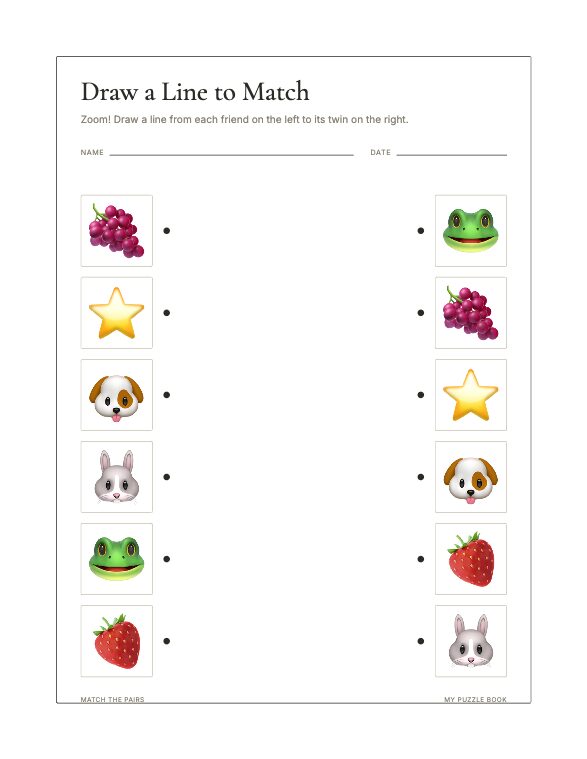
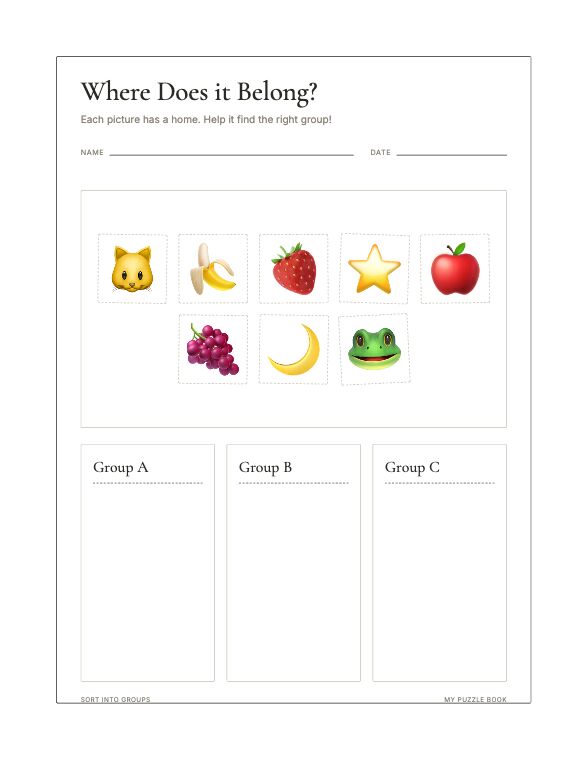
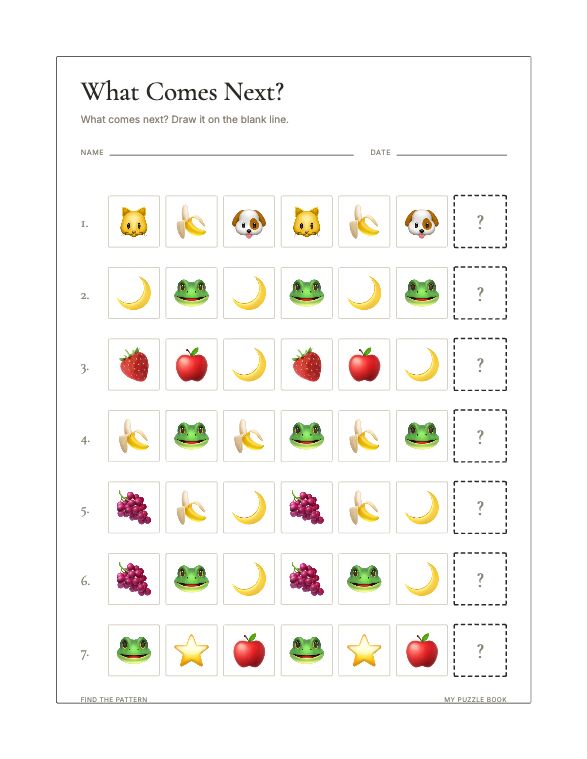
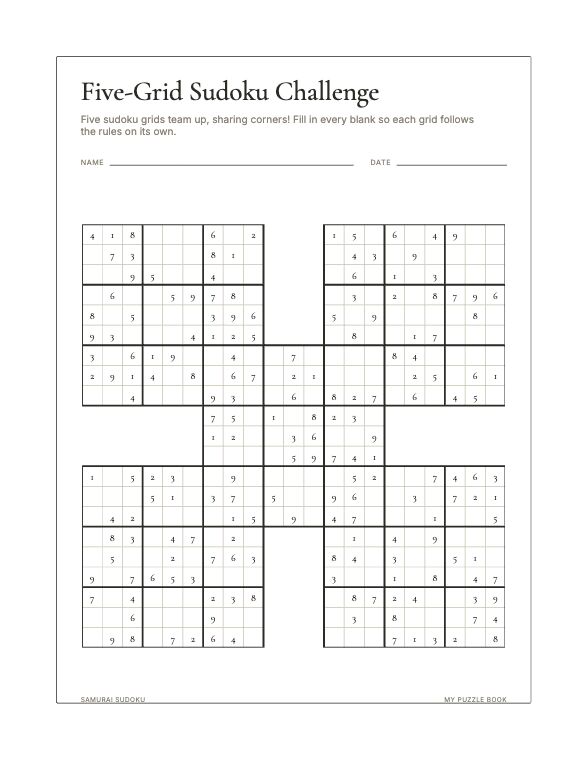
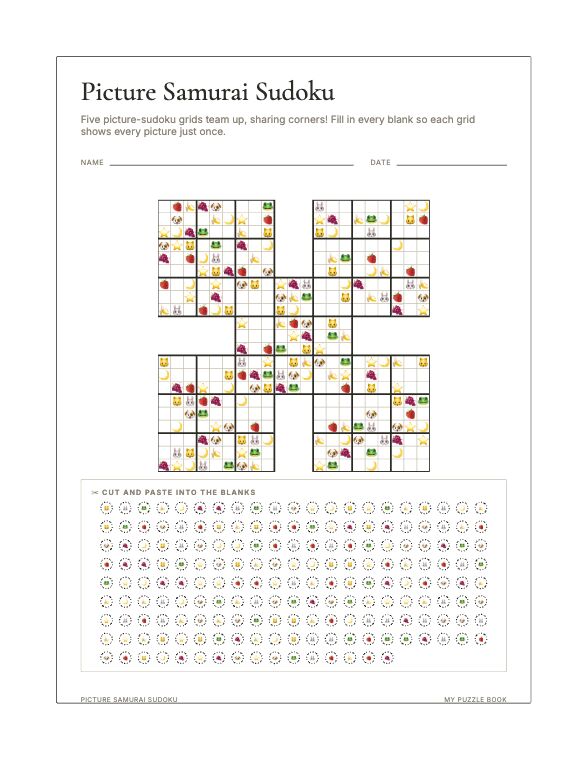
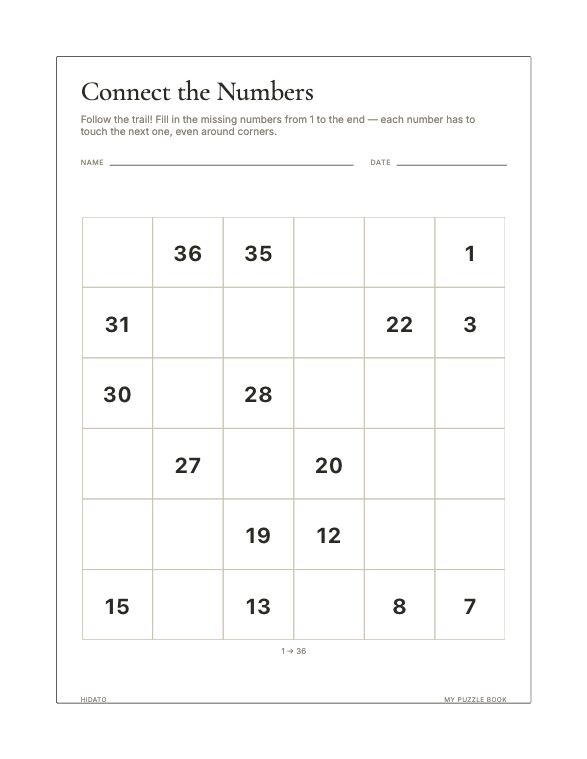
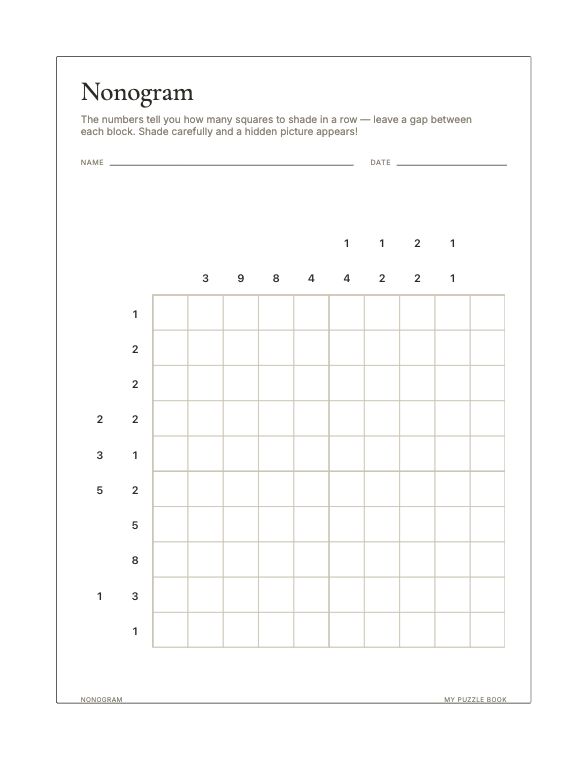
Twenty-four of them. Mix as many as you like in one book — every type takes your own clipart or word lists, and every puzzle can carry an answer key.
What you can change
Every page is built from your own material — your clipart, your word lists, your fonts — and most of what appears on it is yours to turn on, turn off or rewrite.
Your own clipart
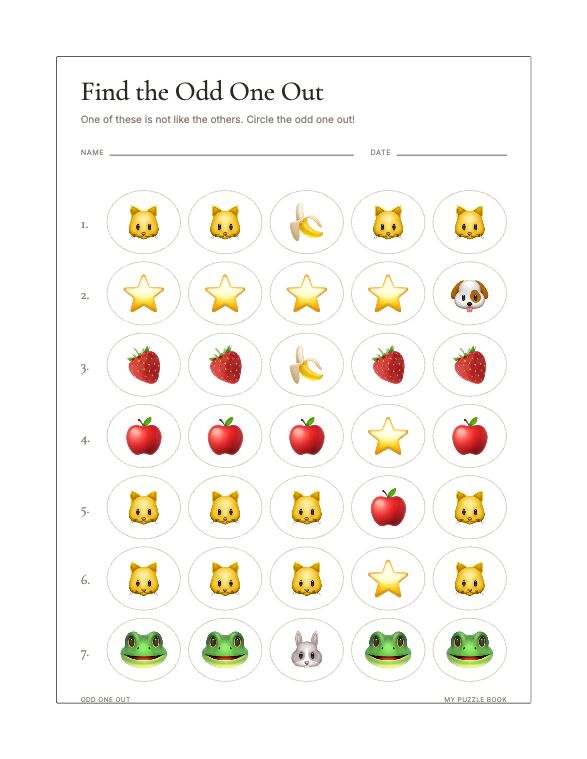
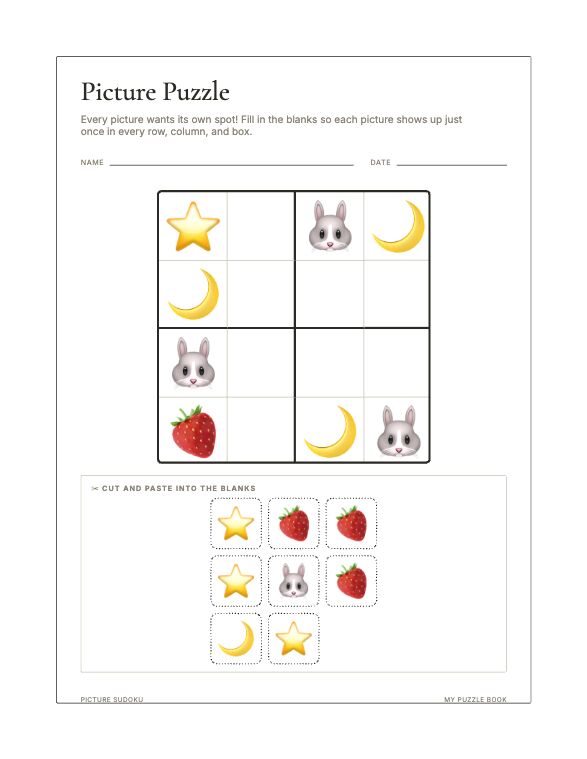
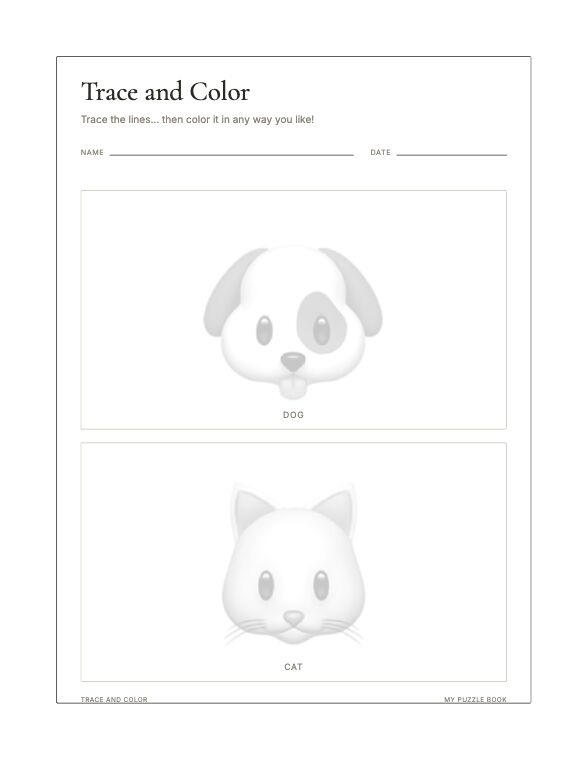
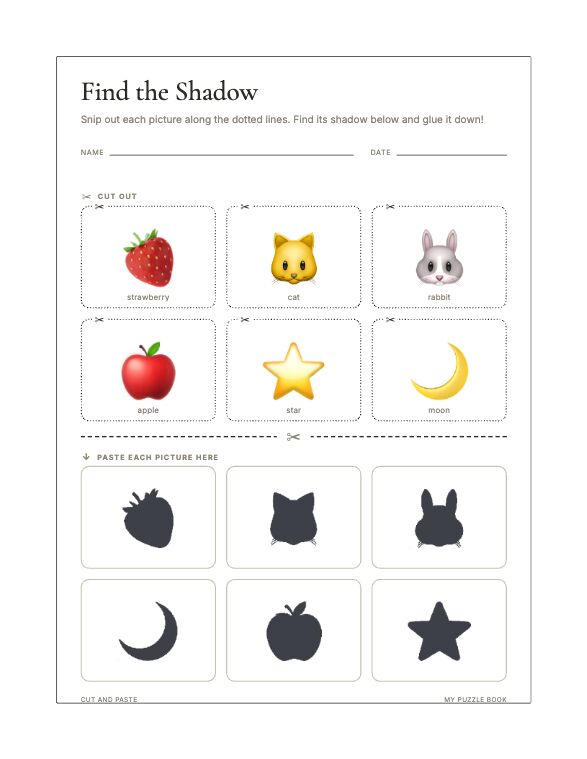
Upload PNGs, or a whole folder at once. They are shrunk to print size on the way in and reused across every picture-based type, so one pack furnishes a shelf of books.
Your own word lists
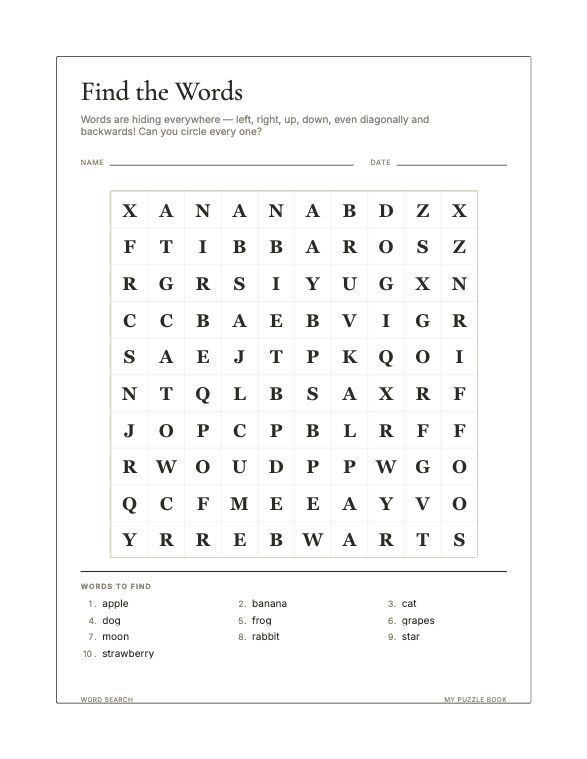
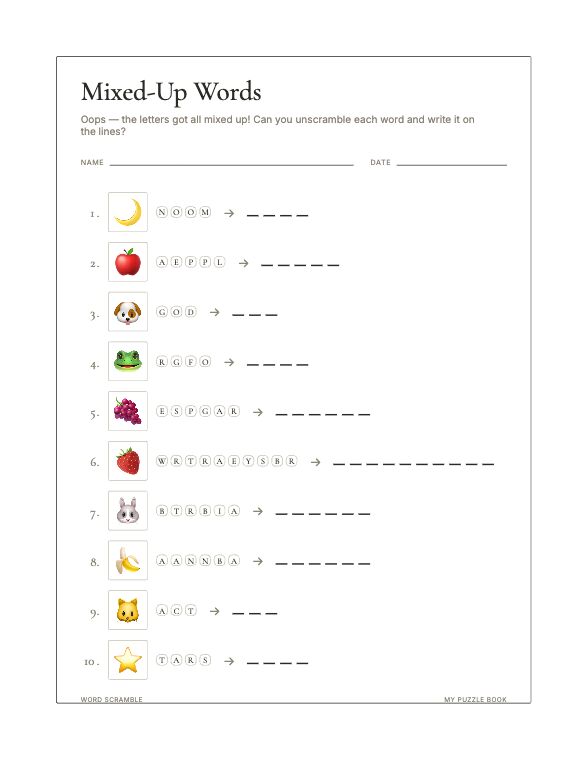
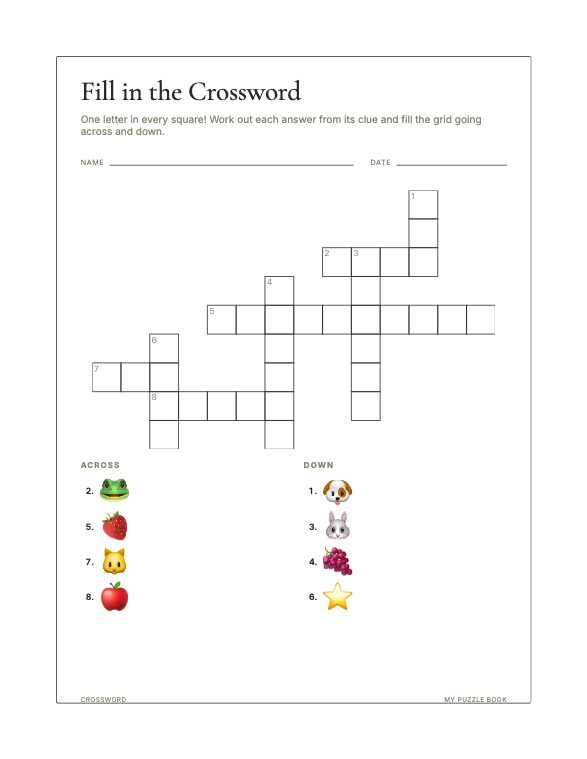
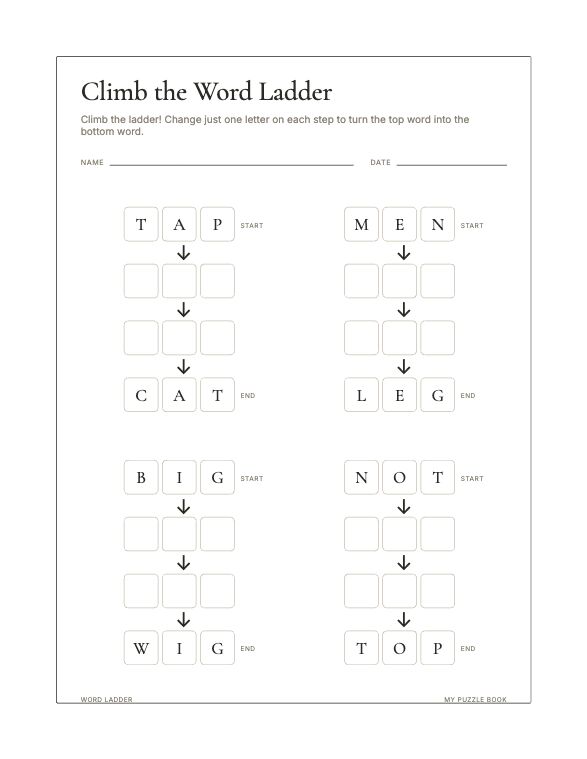
Word search, word scramble, crossword and word ladder each take a
CSV or text file, or a list pasted straight in. For
crosswords, write WORD: clue on each line to set your own
clues, or just list the words and let the pictures do it. Leave it
empty and the puzzle uses your image labels instead.
Legends, word banks and keys
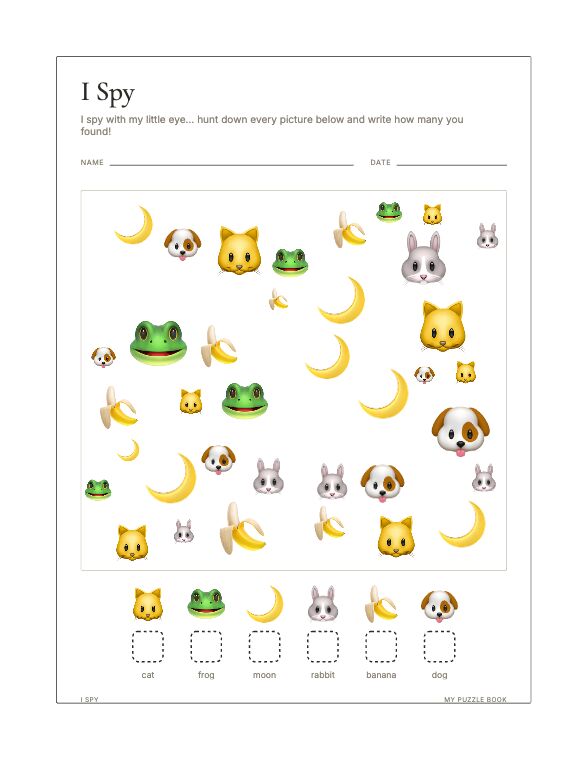
Turn the I Spy count legend off for a full scene with nothing to tally — much harder, and the pictures get more room. Show or hide the crossword word bank. Use a picture as the clue instead of writing one. Add an answer-key page to any puzzle, collected at the back of the book.
Your own fonts
Eighteen built-in faces, or upload your own TTF, OTF or WOFF and it is embedded in the PDF.
Titles and instructions
Click any title or instruction on the page to rewrite it. Or turn the whole header off and have the puzzle alone.
Name and date fields
On or off, for the whole book. Useful for a classroom pack, pointless in a book for sale.
Picture labels
Show the name under each picture or leave them unlabelled — the difference between a learning page and a harder puzzle.
Controls for each type
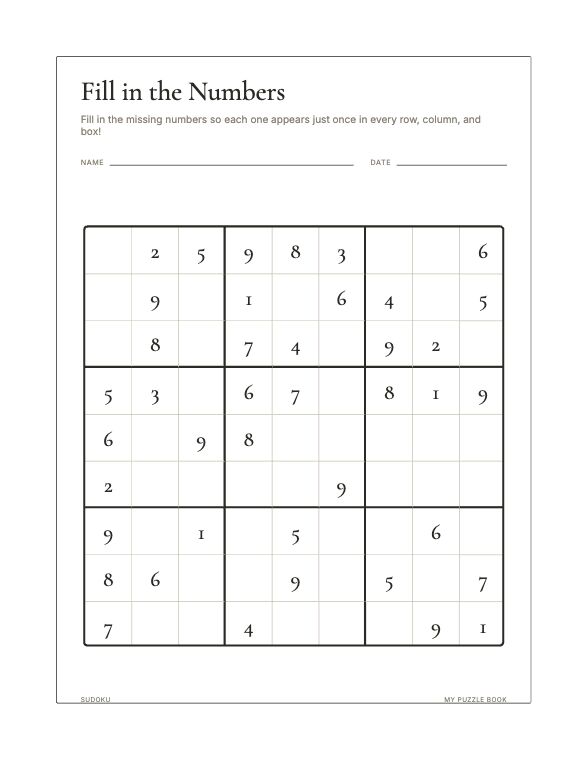
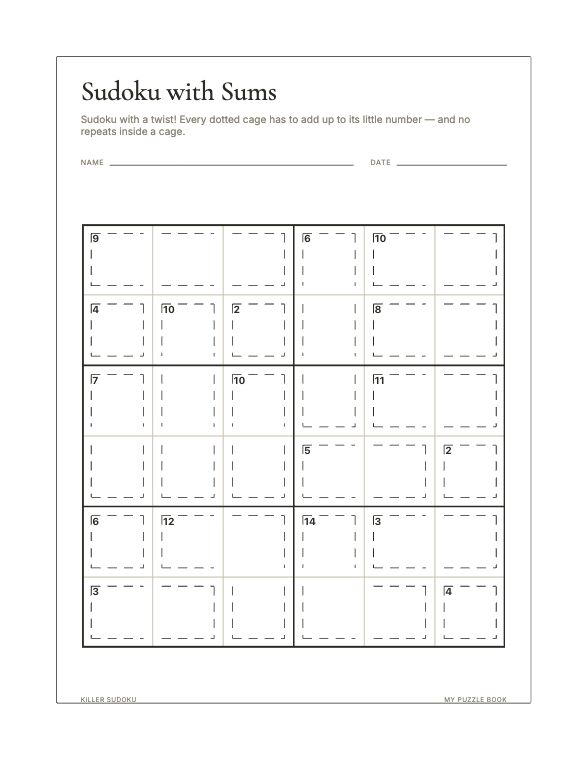
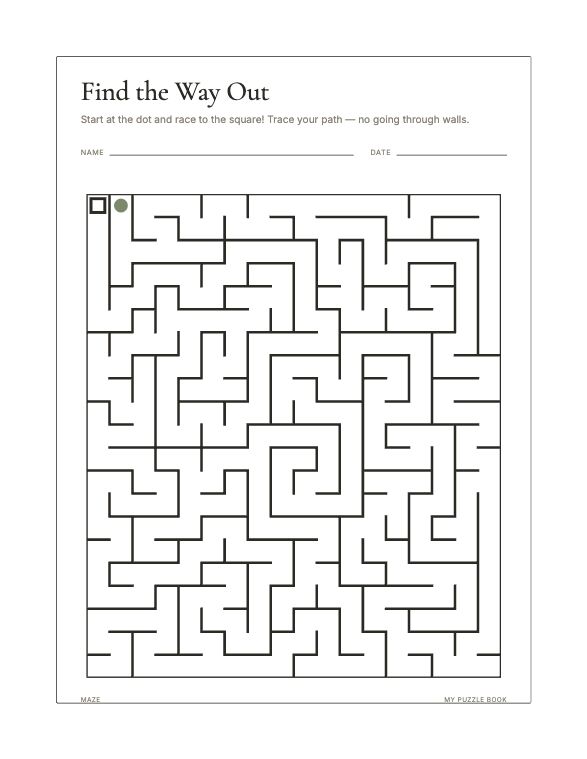
I Spy: how many pictures, how busy, mixed or matching sizes, scattered or in straight rows, overlapping or not. Mazes: shape, style, line weight. Sudoku: grid size, how many digits are given, puzzles per page. And easy, regular or hard across the book.
Look and feel
Four page themes, eleven accent colours, title alignment, and the wording tone of the generated instructions.
Page setup
Three KDP trim sizes, four margin presets, title and copyright pages, blank-page placement, and even or odd page starts.
Build one and see.
Free to use. Build a complete book and look at every page before you decide.